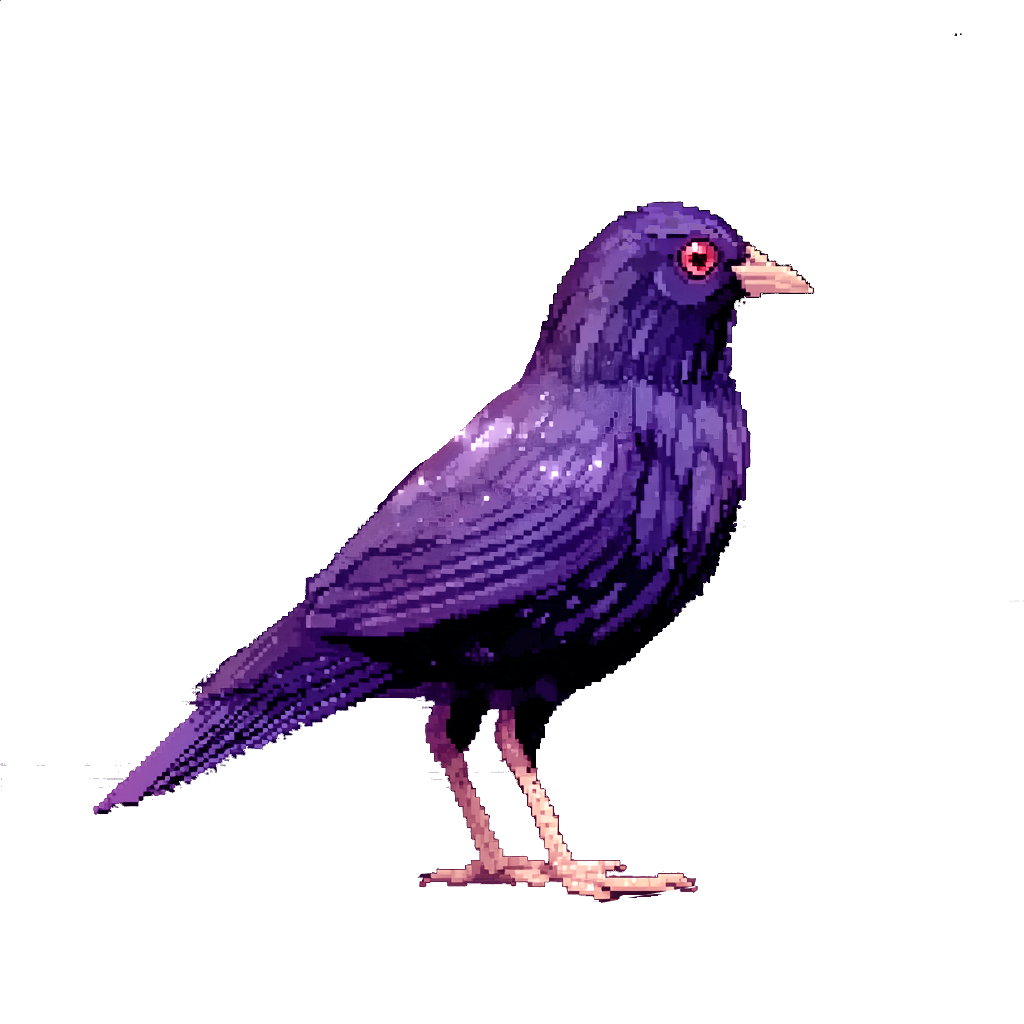
Midjourney Setup
If you’re itching to generate stunning images right now without installing anything, Midjourney is your best friend. It’s cloud-powered, super coherent (especially for anime/realism), and great for brainstorming before you go local with ComfyUI. In 2026, you can use it via Discord (classic bot style) or the web interface (cleaner, more organized - highly recommend for beginners).
Step 1: Signing Up & Choosing a Plan
-
Head to https://www.midjourney.com/ and click “Join the Beta” or “Sign In”.
-
Log in with Discord - a free chat/community platform (think Slack but for gamers and creators). If you don’t have an account yet, sign up at https://discord.com/register - it takes about a minute. Midjourney originally launched as a Discord bot, so a Discord account is required to use it.
-
Pick a subscription - no free trial anymore, but plans are straightforward:
- Basic ($10/mo or $96/yr ~$8/mo) - ~200 fast images/mo (3.3 GPU hours). Good for testing/light use. Gens are public.
- Standard ($30/mo or $288/yr ~$24/mo) - 15 fast GPU hours/mo (~900 images), unlimited Relax mode (slower but endless gens). Best value for most hobbyists/freelancers.
- Pro ($60/mo or $576/yr ~$48/mo) - 30 fast hours/mo (~1800 images), unlimited Relax, Stealth mode (private gens), more concurrent jobs.
- Mega ($120/mo or $1,152/yr ~$96/mo) - 60 fast hours/mo (~3600 images), same perks but max scale.
My tip: Start with Standard if you plan to generate a lot - unlimited Relax saves you from waiting on fast queue. Annual billing saves ~20%. All plans allow commercial use (with revenue limits on lower tiers - check docs if you’re selling art).
-
Subscribe via the site or Discord bot (/subscribe). It links your Discord account automatically.
Step 2: Discord vs Web Interface - Which to Use?
You get both with any plan - use what fits your vibe.
Discord (classic)
Join the Midjourney server (https://discord.gg/midjourney). Go to newbie channels (#newbies-XXX). Type /imagine prompt: your description and hit enter. Great for quick spam-generation, community inspo (see others’ prompts), and advanced params. Downside: Gens are public (unless Stealth on Pro+), harder to organize long-term.
Web Interface (recommended for most)
Go to https://www.midjourney.com/app/ (or alpha.midjourney.com for V8 preview). Log in with Discord. Cleaner UI: drag-and-drop refs, sliders for params, personal gallery, folders for projects, moodboards, search by prompt. Web-exclusive goodies: Rooms for collab, Personalization profiles (train on your style), better asset management. Many say start here for the first 1-2 weeks - less overwhelming.
Pro move: Generate ideas fast in Discord newbie channels (learn from others), then move winners to web for organization/refinement.
Step 3: Your First Prompts & Basic Commands
On web: Type in the Imagine bar. On Discord: /imagine.
- Basic example:
a cute pixel myna bird perched on a dreamlike constellation, dark academia style, lavender accents --ar 16:9 --v 8 - Add refs: Upload image -> right-click -> “Copy Link” -> paste URL at start of prompt.
- Key params to know:
--ar 1:1(aspect ratio)--v 8(latest model - faster, better prompt understanding)--stylize 250(more artistic) or--stylize 100(literal)--q 2(quality boost)--sref [URL](style reference)- Negative: Add at end
--no blurry, deformed
Hit generate -> U1-U4 to upscale variants, V1-V4 for variations. On web: hover for actions.
First 10-20 gens: Just experiment! Don’t overthink - Midjourney shines with descriptive, vivid prompts.
Step 4: Organizing & Saving Your Gens
- On Web (best): Use Organize tab -> create folders (e.g., “Anime Concepts”, “Sprite Ideas”). Like/favorite keepers, bulk move/trash. Search by prompt text. Export downloads easily.
- On Discord: Right-click image -> Save Image As. Use personal server: Invite Midjourney bot to your own Discord server for private gens (no public gallery). Star important messages or use threads.
- Tip: Always save prompts/settings (Midjourney shows them on hover/click). Copy good ones to Obsidian for reuse - that’s how I build consistent styles.
Midjourney’s perfect for rapid ideation - crank out concepts in minutes, then refine in ComfyUI with ControlNet/LoRAs (We’ll get to what those are in a bit!). Once you’re comfy, move to the ComfyUI Setup guide for unlimited local power.